 Tactile

Why Website Accessibility Matters: Six Good Reasons Every Business Should Care
Picture a customer who wants to book an appointment on your website. They find the right page, fill in the form, and reach the final button. Then nothing works. The button can't be reached without a mouse, or the form fields have no labels, so their screen reader (software that reads the page aloud) just says "edit, edit, edit." They don't complain. They leave, and you never know it happened.
Now picture an online store. A shopper wants to swap a pair of shoes for a bigger size, but the exchange form doesn't work for them. A sale that could have been kept is lost, and so is a customer who might have come back.
That is what an inaccessible website looks like in practice. It's more common than most business owners realise, and fixing it is a worthwhile investment, not just another expense. Here are six good reasons to make it a priority.
1. Website accessibility is the right thing to do
Everyone should be able to find information, buy products, and use services online, whatever their abilities. Website accessibility simply means building your site so people with disabilities, including people who are blind, deaf, have limited mobility, or have cognitive differences, can use it as easily as anyone else. When your website works for everyone, it tells customers something about your business: that you value them, and that you treat every one of them fairly.
2. An accessible website reaches a larger market
This is not a small group. CDC data from 2022 shows more than 1 in 4 US adults, over 70 million people, reported having a disability. Each of them is a potential customer who may be trying to browse your products, make a purchase, complete a form, or get in touch. Many businesses never see these customers, because the people who can't use a site rarely tell you. They just go to a competitor whose site works.
3. Accessibility improves the experience for everyone
The changes that help people with disabilities tend to help everyone: clear navigation, readable text, simple forms with clear labels, and layouts that work on a phone. It's like the dropped curbs on sidewalks, built for wheelchair users and used every day by parents with strollers and people with suitcases. Think of a customer on a small screen, in bright sunlight, or in a hurry. Think of older customers too, since 43.9% of people aged 65 and over reported a disability in the CDC data. A site that's easier to use is simply easier to buy from.
4. Accessibility reduces legal risk under the ADA
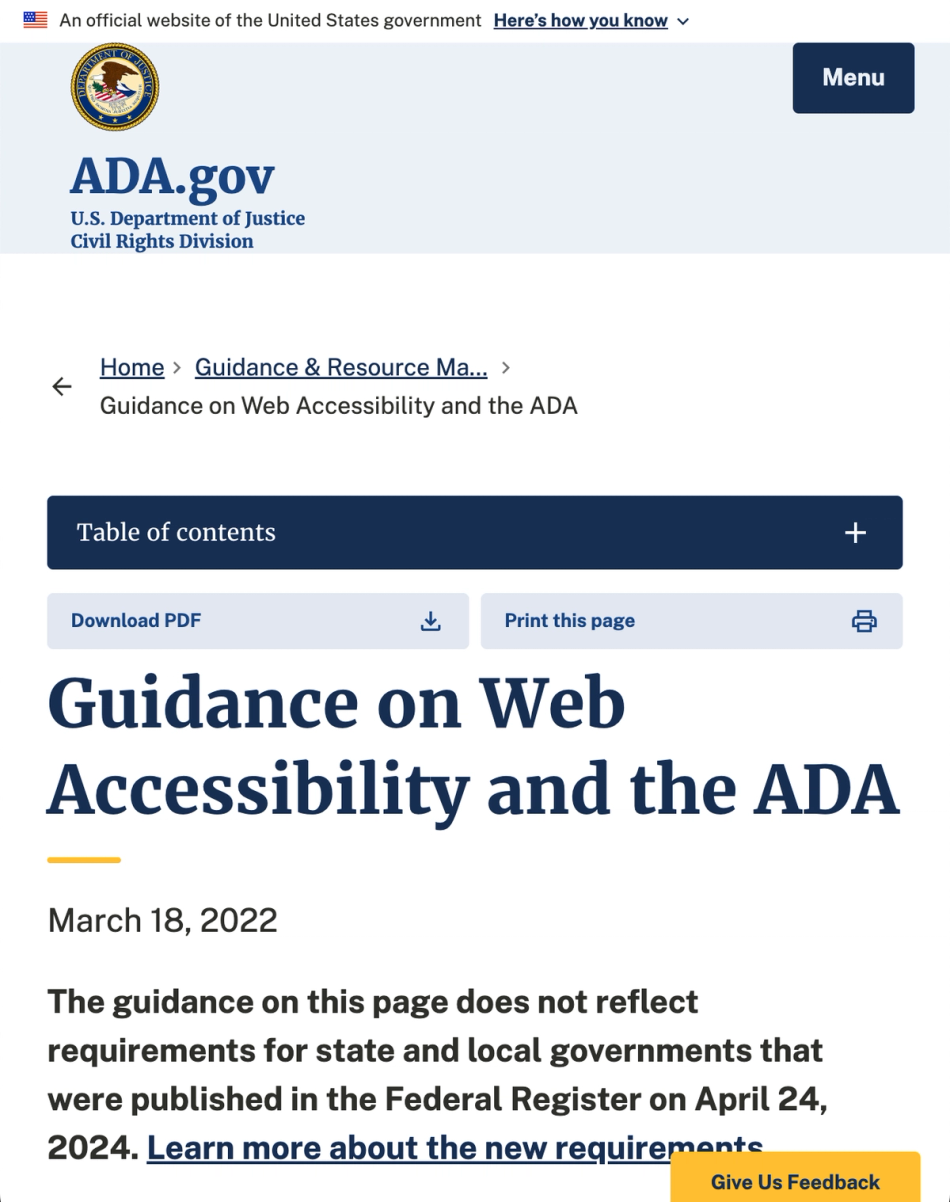
In the US, the Department of Justice confirms that the Americans with Disabilities Act (ADA) applies to websites of businesses open to the public, not just their physical locations. According to law firm Seyfarth Shaw, federal website accessibility lawsuits reached 3,117 in 2025, up 27% on the previous year.
While the ADA doesn't prescribe a specific technical standard for private business websites, the Web Content Accessibility Guidelines (WCAG) are widely used as a benchmark for accessibility. Even a complaint a business believes is unfair can cost time, money, and reputation, so finding and fixing barriers early puts you in a far better position than responding to one later.
This is general information, not legal advice, and a lawyer can tell you how it applies to your business.
5. Accessible websites build trust and strengthen your brand
People remember which businesses made things easy and which didn't. A CDC official has said that most people will either have a disability at some point or know someone who does, so your commitment to accessibility reaches well beyond the customers who need it directly. It shows social responsibility, builds confidence, and earns loyalty.
6. Accessible websites are better prepared for AI
There's a new type of visitor arriving at your website: AI agents. Increasingly, people are using AI assistants to research products, compare services, complete forms, and carry out tasks online.
Interestingly, many AI agents navigate websites in a similar way to someone using a screen reader. Rather than relying entirely on what a page looks like, they can use the underlying structure of the website to understand its content and controls.
Clear headings, descriptive links, properly labelled buttons, and well-structured forms help both screen reader users and AI agents understand and interact with your website.
For example, a button labelled "Book an appointment" provides much more useful information than one simply labelled "Click here." The same goes for links that say "Learn more" without explaining what they're linking to.
As AI agents become more common, businesses with accessible, well-structured websites will be better positioned for this new way of interacting with the internet. It's another good reason to invest in accessibility today.

If you sell online, or build the software online stores run on
Online selling is one of the places where accessibility and revenue meet most directly, and not just at checkout. The goal of a good returns flow is to keep the sale: swap the size, send the replacement, keep the customer. That only works if the shopper can actually finish the flow. The same goes for tracking an order, changing an address, paying, or asking a question.
Each of these moments has forms, buttons, status updates, and pop-ups, and many also happen over email, text message, and chat, including chat answered by AI. Each is a place where a shopper can get stuck. Typical problems are a status update that changes on screen but is never announced to a screen reader, a chat window a keyboard user can't reach or close, a pop-up that traps the keyboard, an error message shown only in red, and emails that rely on images instead of real text.
The tools in front of shoppers are part of your brand. On Shopify, for example, no store is accessible by default, because accessibility depends on the theme, the apps, and the content. Shopify's own accessibility report for its checkout says merchants are responsible for making sure their store meets the laws that apply to it. That makes tested tools valuable. A vendor that can show its product has been tested by people who use assistive technology gives its customers something concrete to show their own buyers and advisers.
If you build software that online stores depend on, three things are worth knowing:
- Your product appears under your customers' brand. A barrier in your product becomes a barrier in front of their shoppers, and a product that works for everyone helps them keep every sale.
- Larger customers will ask for proof. Government agencies and big companies often ask software vendors for a written report showing how their product measures up against accessibility standards, commonly called a VPAT or accessibility conformance report. These reports are commonly required when selling to government agencies and large enterprises, and claiming more than your product delivers can backfire when customers test it. An accurate report keeps a sale moving, and an overstated one can undo it.
- Fix it once and every customer benefits. Software is built from reusable building blocks, and those blocks vary widely in how accessible they are out of the box, and their defaults often need customising. Fixing one block can improve the experience for every customer who uses it.
The bottom line
An accessible website isn't just better for people with disabilities. It's better for customers, better for business, and a meaningful step towards a more inclusive internet.
Where Tactile fits in: Automated scanning tools only find part of the problem. Tactile's testing is human-led, carried out by people who actually use assistive technology, such as screen readers, every day, so we find what real customers run into. We also work alongside your developers to fix what we find, with practical support and not just a report.
Tell us the journey that matters most to you, and we'll talk through what a first review would look like. Get in touch with Tactile.